Chapters
Splits a long video into titled chapters.Jump straight to any part.
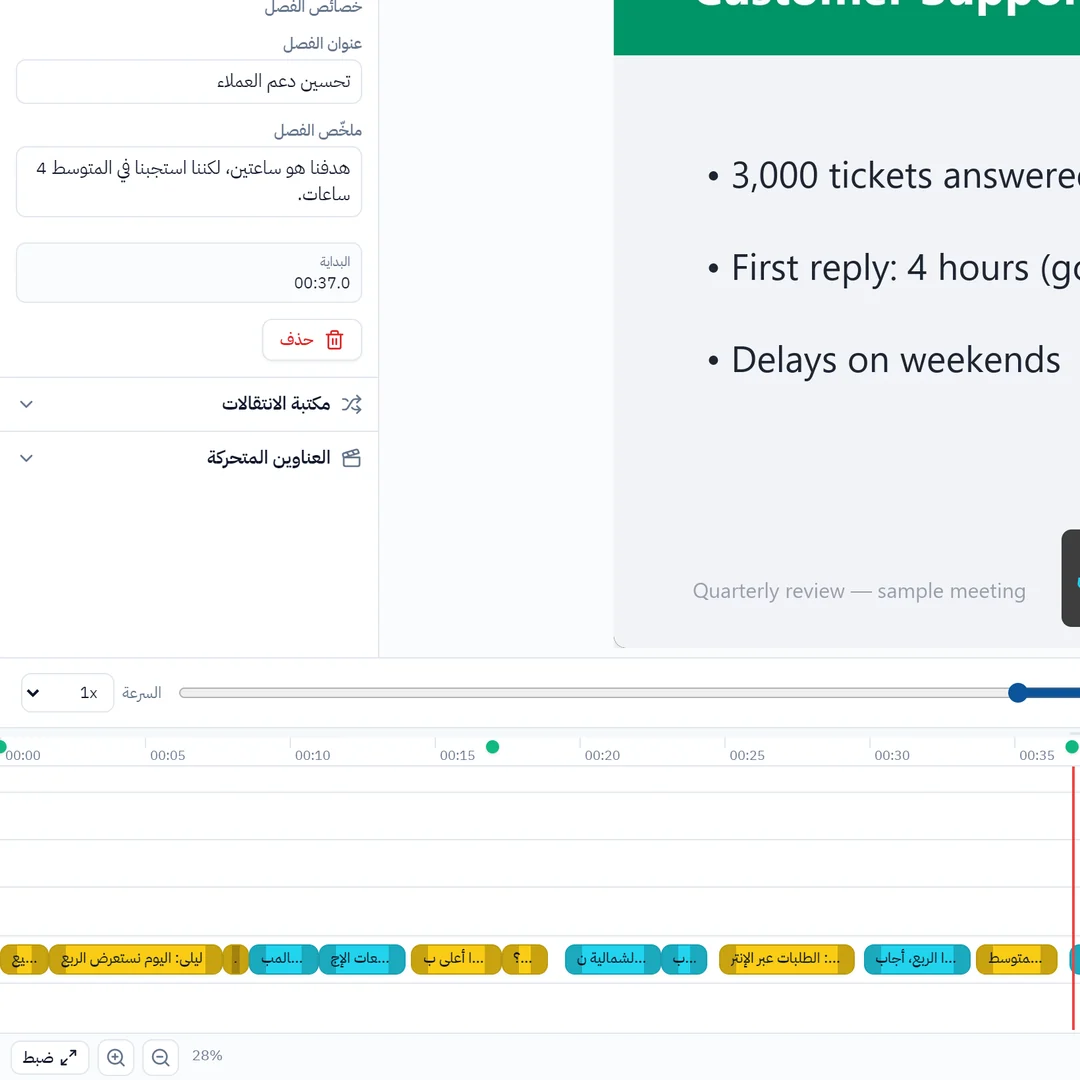
What it is
Turn on «Automatic chapters with titles and summaries» with the captions, and the app splits a long video into chapters, each with a title and a short summary. Green markers on the timeline take you there in one click, and you can export them as a YouTube chapter list.
How it works
The screenshots show Laqtta in Arabic. Switch the app to English in Settings and the same buttons read in English.
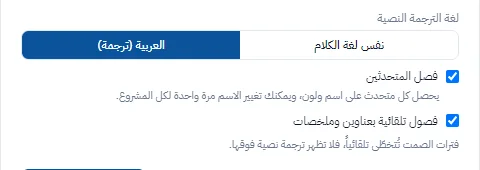
In the «Auto captions» window, turn on «Automatic chapters with titles and summaries».
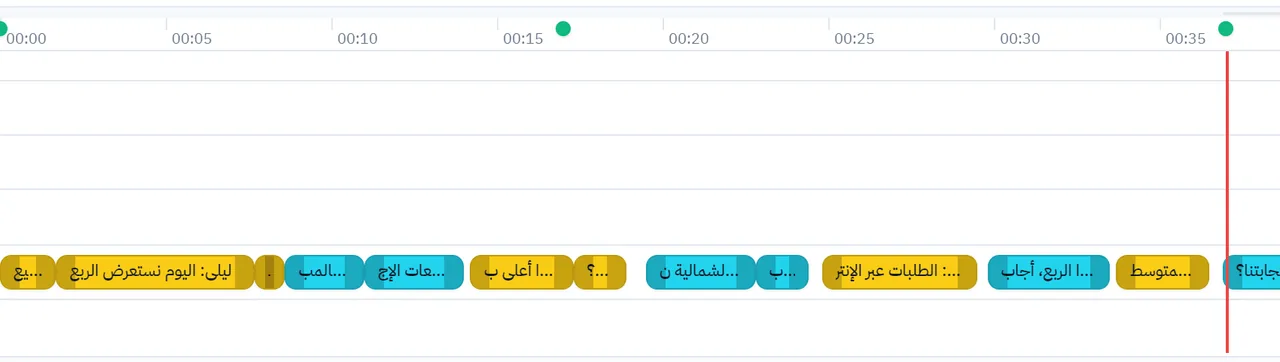
When the job ends, green markers appear on the timeline at the start of each chapter.
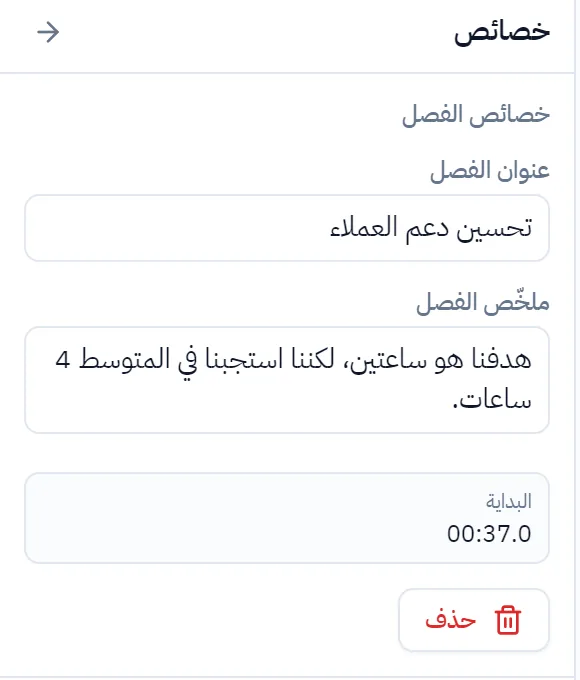
Click a marker to see the «Chapter title», «Chapter summary» and start, and edit them if you like.
From «Export», choose «YouTube chapter list» to paste into the video description.

When it helps
- Split an hour-long workshop recording into parts viewers can jump to.
- Add chapters to a YouTube video without typing the times yourself.
- Skim a long meeting through its chapter summaries before watching it.
Related features
Download Laqtta
Windows · every feature for 7 days with no sign-up, then free forever