Pause reminder and recovered recordings
Forgot a recording on pause? Laqtta reminds you.If the PC stops, what was recorded comes back as a recovered recording.
What it is
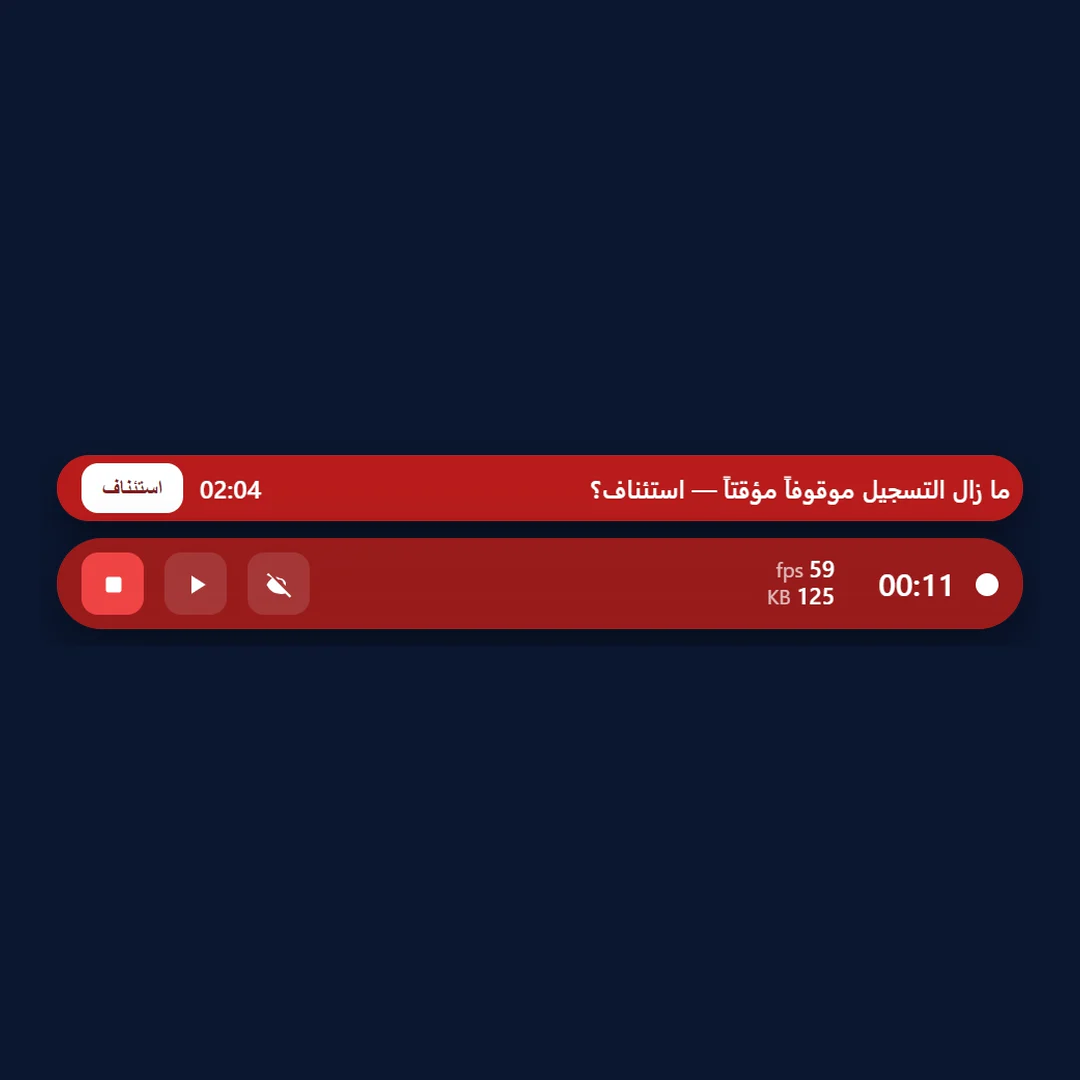
If you pause a recording and forget it, the recording bar reminds you after two minutes and shows how long it has been, then every ten minutes. If the PC shuts down or the app closes suddenly while recording, what was recorded comes back next time as a «Recovered recording».
How it works
The screenshots show Laqtta in Arabic. Switch the app to English in Settings and the same buttons read in English.
While recording the screen or a region, press «Pause» on the small bar; it shows «Recording paused». (Pause is not available for window recording.)
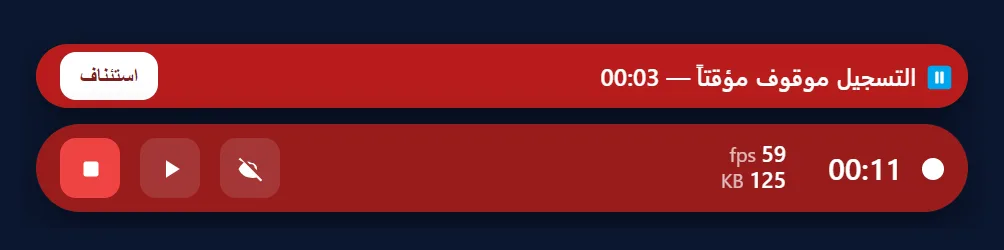
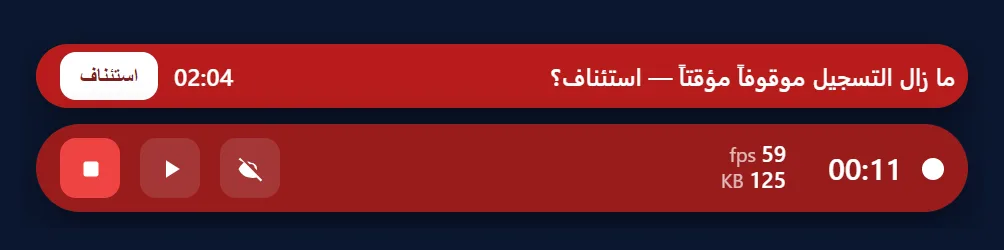
After two minutes the bar reminds you: «Recording is still paused — resume?» with the time, then every ten minutes. Press «Resume» to go on.
If the PC turns off or the app closes suddenly while recording, open Laqtta again: it tells you the recording was recovered.

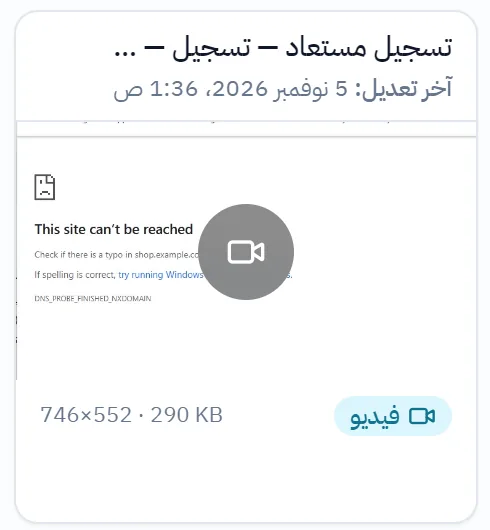
What was recorded is in the «Library» as «Recovered recording», and opens and edits like any recording.
When it helps
- Paused to take a call? You will not come back an hour later to find you never resumed.
- Power cut in the middle of a long walkthrough? What was recorded is not lost.
- See on the bar how long the recording has been paused before you go on.
Related features
Download Laqtta
Windows · every feature for 7 days with no sign-up, then free forever