FreeIn every plan, including the free one.
Search inside every capture, and tags
Search for a word that appears inside the image, not just its name.Organise captures with tags you can filter by.

What it is
Laqtta reads the text inside every image you save, so you find a capture by a word that appears in it, not only by its name. Organise the library with your own tags, and filter by type, app and tag.
How it works
The screenshots show Laqtta in Arabic. Switch the app to English in Settings and the same buttons read in English.
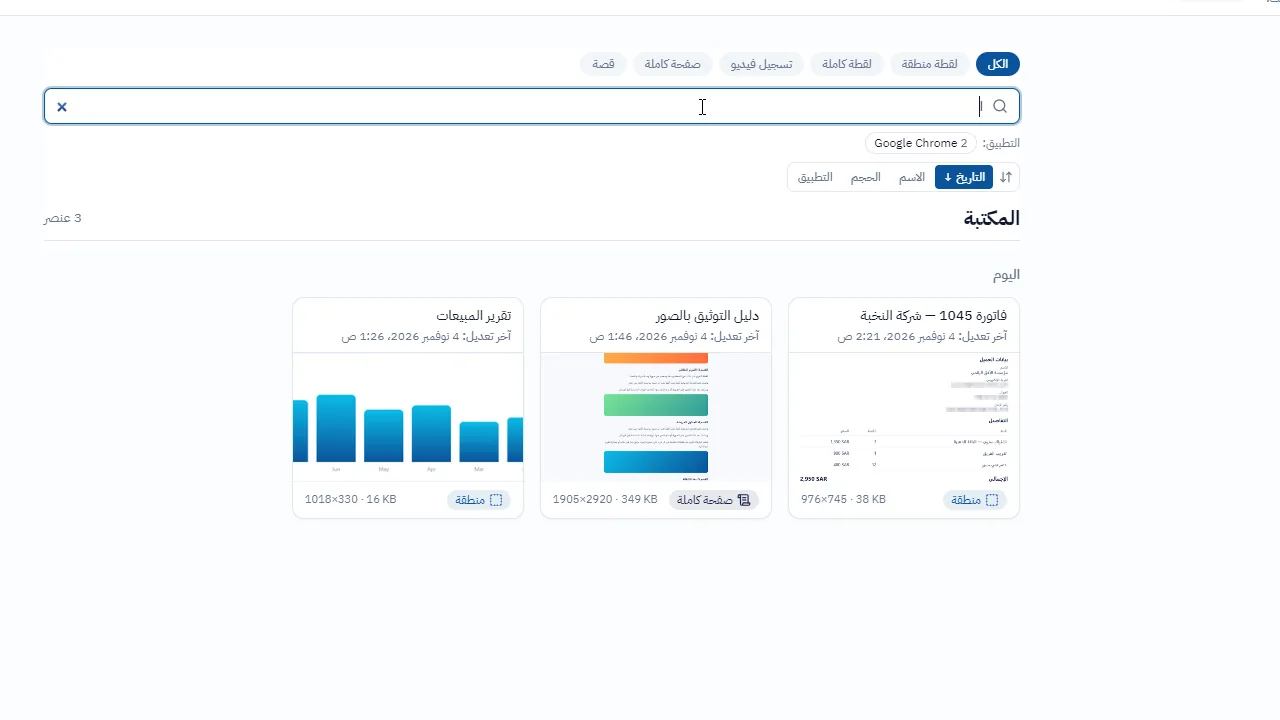
Open the «Library» and type in the search box «Search titles and the text inside captures…».
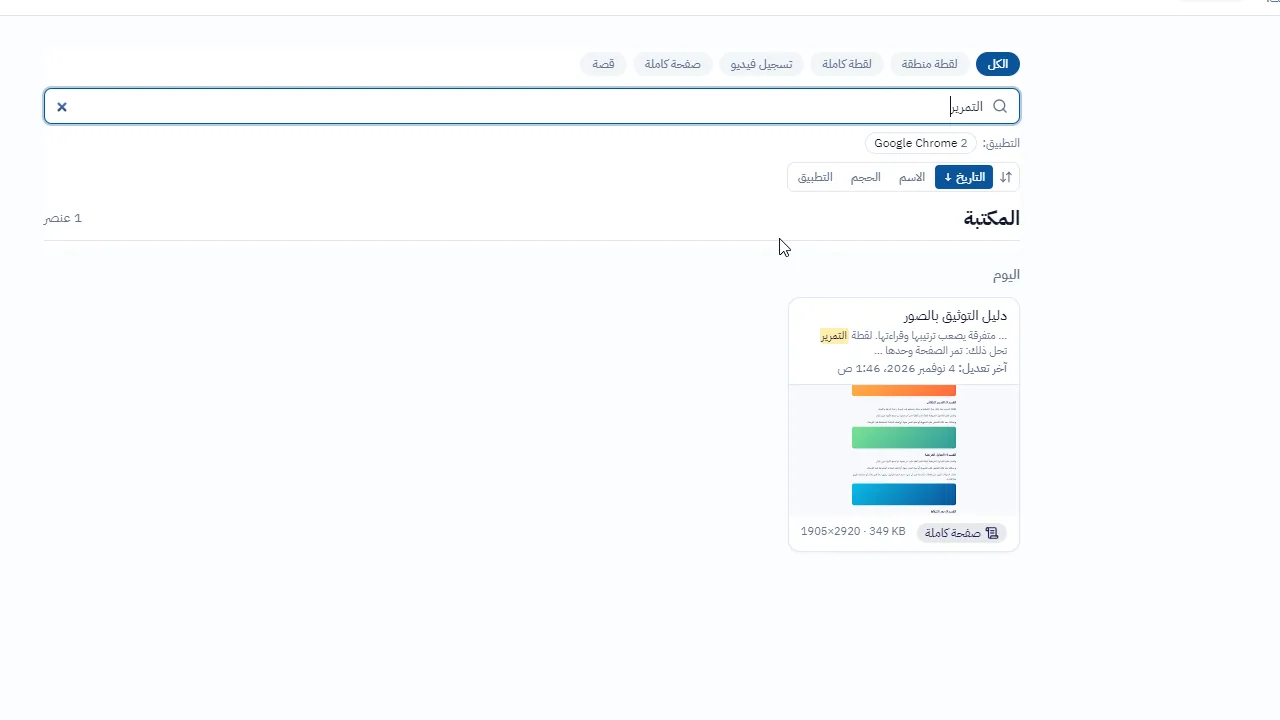
The captures that contain the word show up, with the word highlighted on the card.
In the editor, press «Tags…» and add a tag, then filter the library by it.

When it helps
- Find an old invoice capture by typing the company name that appeared on it.
- Group one project’s captures under one tag and open them together.
- Find an error message you saw last week by one of its words.
- Show only the captures taken from one particular app.
Related features
Download Laqtta
Windows · every feature for 7 days with no sign-up, then free forever