FreeIn every plan, including the free one.
Snippets
Small notes on your desktop you copy from in one click.Secret values are encrypted and hidden from captures.

What it is
Snippets are small notes that stay on your desktop: a shipping address, an order number, a ready reply. Copy from them in one click, and hide them all for a while with one switch. Secret values are stored encrypted and never show in your captures.
How it works
The screenshots show Laqtta in Arabic. Switch the app to English in Settings and the same buttons read in English.
Open «Tasks & Notes» and press «New note».

Type what you need often; the snippet stays on your desktop.
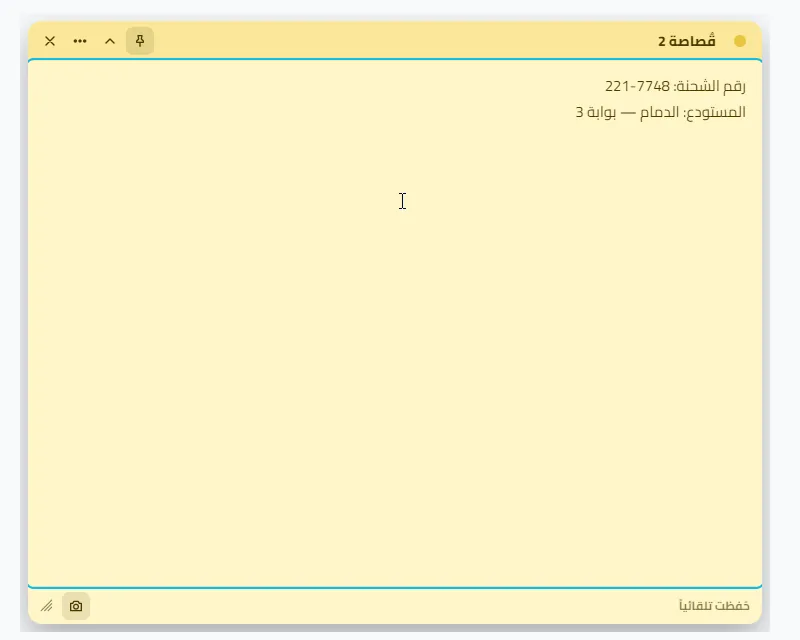
Copy from it whenever you need, or turn on «Hide all for a while» before you share your screen.

When it helps
- Keep the IBAN or address you type every day in front of you and copy it in one click.
- Prepare short replies you send customers again and again.
- Keep a temporary password encrypted and away from your captures.
Related features
Download Laqtta
Windows · every feature for 7 days with no sign-up, then free forever